One Dark Modern Pro: A Better Dark Theme for VS Code
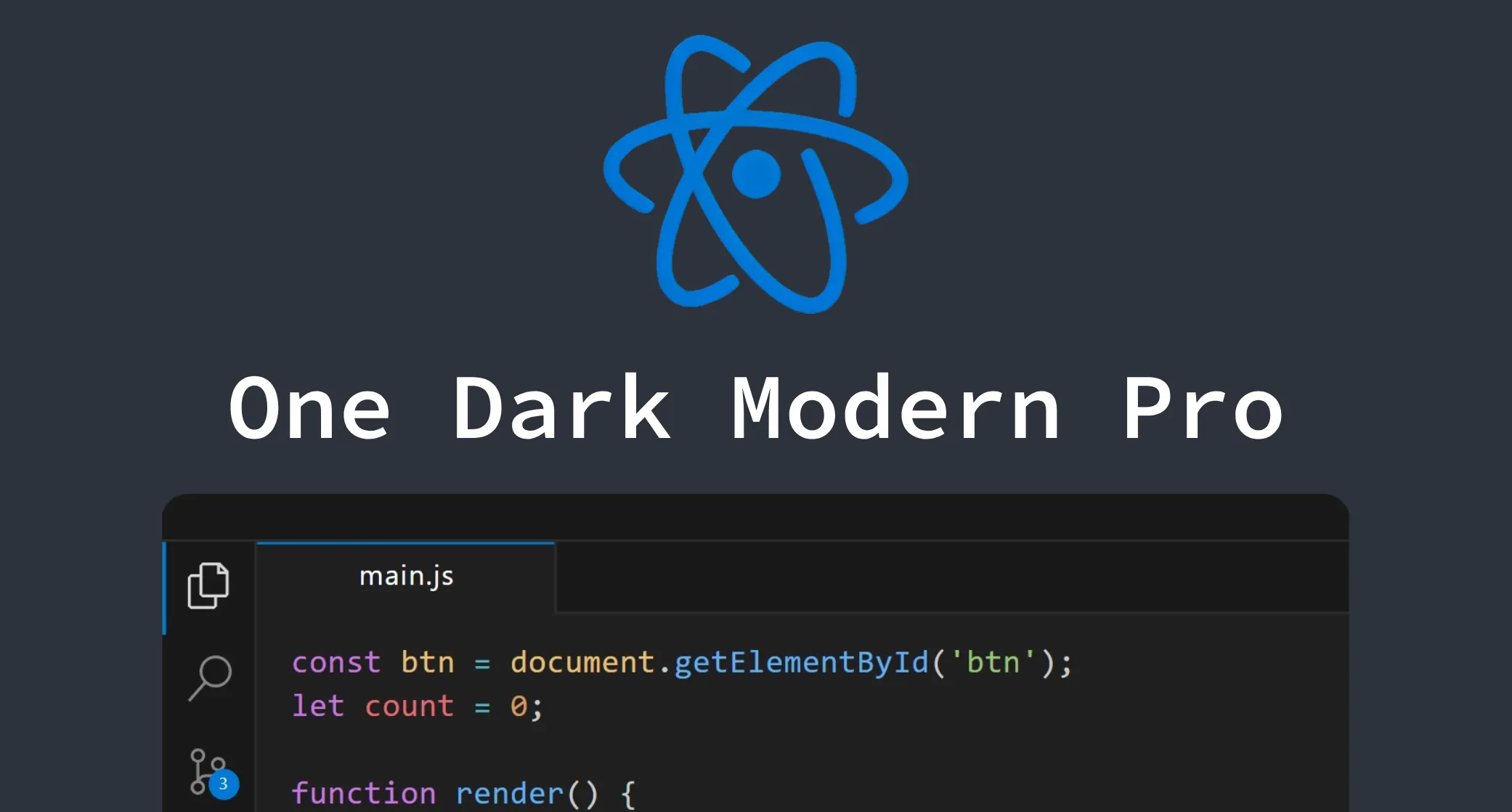
I’ve spent way too much time messing with VS Code themes. For a while, I was using One Dark Pro (the darker variant), which is one of the most popular themes out there. The syntax highlighting is great, but the overall UI never felt quite right to me. Then I tried the built-in Dark Modern theme, which has a really clean look, but I missed those One Dark syntax colors. So I figured… why not just combine them?
One Dark Modern Pro ⚛️
That’s exactly what this theme is:
- The syntax highlighting you know and love from Atom’s One Dark theme.
- The clean, minimal UI from VS Code’s Dark Modern theme that stays out of your way.
- A darker background that’s easier on the eyes during those late night sessions.
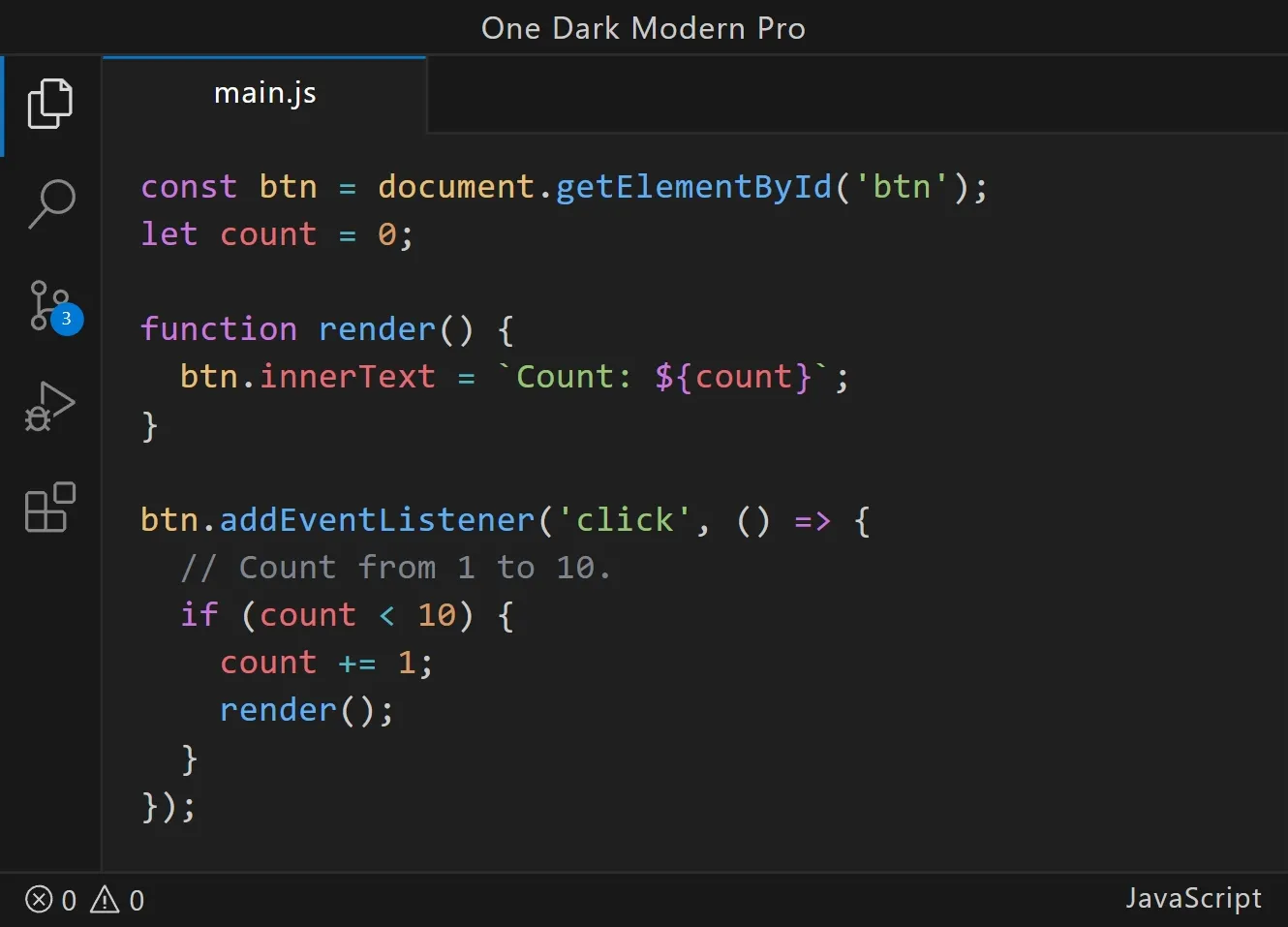
Give it a shot
If you’ve been theme-hopping and can’t find something that nails both syntax colors and a clean UI, maybe this is the one.
🔗 VS Code Marketplace
🔗 GitHub Repo
Font and icon recommendations
While you’re at it, here are a couple things I use alongside the theme:
For the font, I really like Source Code Pro. It’s clean, monospaced, and easy to read for long stretches.
For file icons, Material Icon Theme is my go-to. Looks great with pretty much any theme, but especially with this one.
🔗 Material Icon Theme on VS Code Marketplace
Final thoughts
I made this theme because nothing else did exactly what I wanted. If it works for you too, that’s awesome. If you get a chance to leave a rating on the VS Code Marketplace, it really helps other people find it. Thanks for checking it out! 🚀